Web Update - v3.26.7.0
Released 2026-07-17
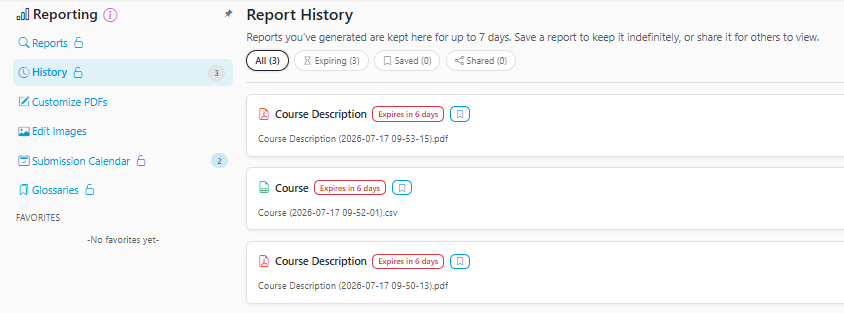
Report History
- Added a new 'History' page to the Reports category.
- Every time a report is generated on the web site, it is saved to your online account and available to view again. This history also follows your account across devices.
- By default, reports are not saved indefinitely and will expire (be removed) after 7 days. However, you can choose to individually save reports to prevent them from expiring.
- The History page can also be used to view and manage your shared reports.
Report Sharing
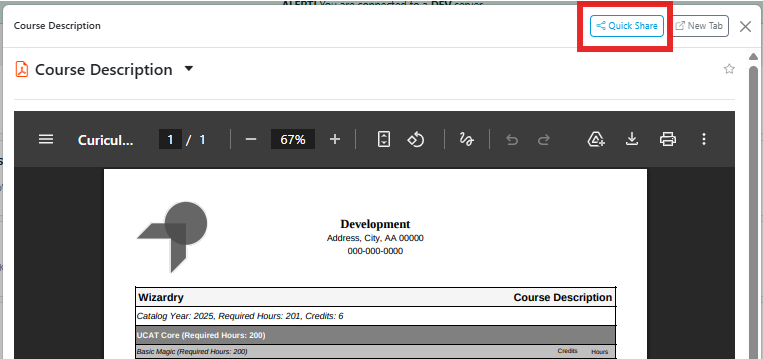
- After generating a report, there is now an option to share it internally. Doing so creates a link that can be shared with other staff so that they can access the same file without needing to download and upload externally.
- Initially, sharing options are limited to logged in users. Additional options, such as sharing by email invite and publicly are also being considered.
Student Accounts (Web -> Desktop)
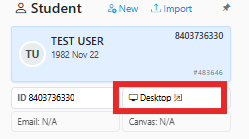
- When viewing a student account, the sidebar can display a button to automatically open that account in the desktop app.
- Note: This requires that the desktop app is already opened and logged into and running v2.26.7.0 or later.
Additional Help Pages
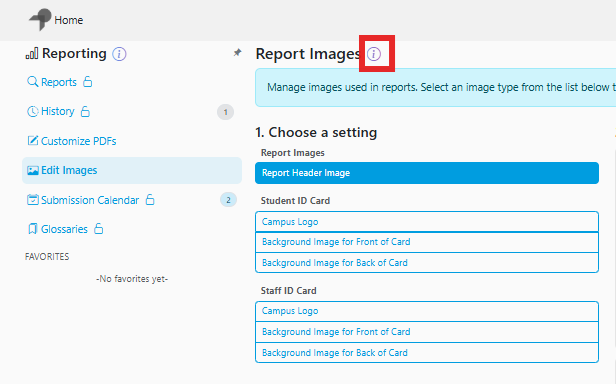
- The Help Article icon has been added to the following pages:
- Reporting > Edit Images
- Student > Student Canvas